

Matter Docs
Your assistant, your team’s workspace, and a host for AI-native tools. Catch up on one brief, talk to Matter on any page or in Slack, work together on boards, tables, docs, decks and canvases, and run Matter apps built for your team.
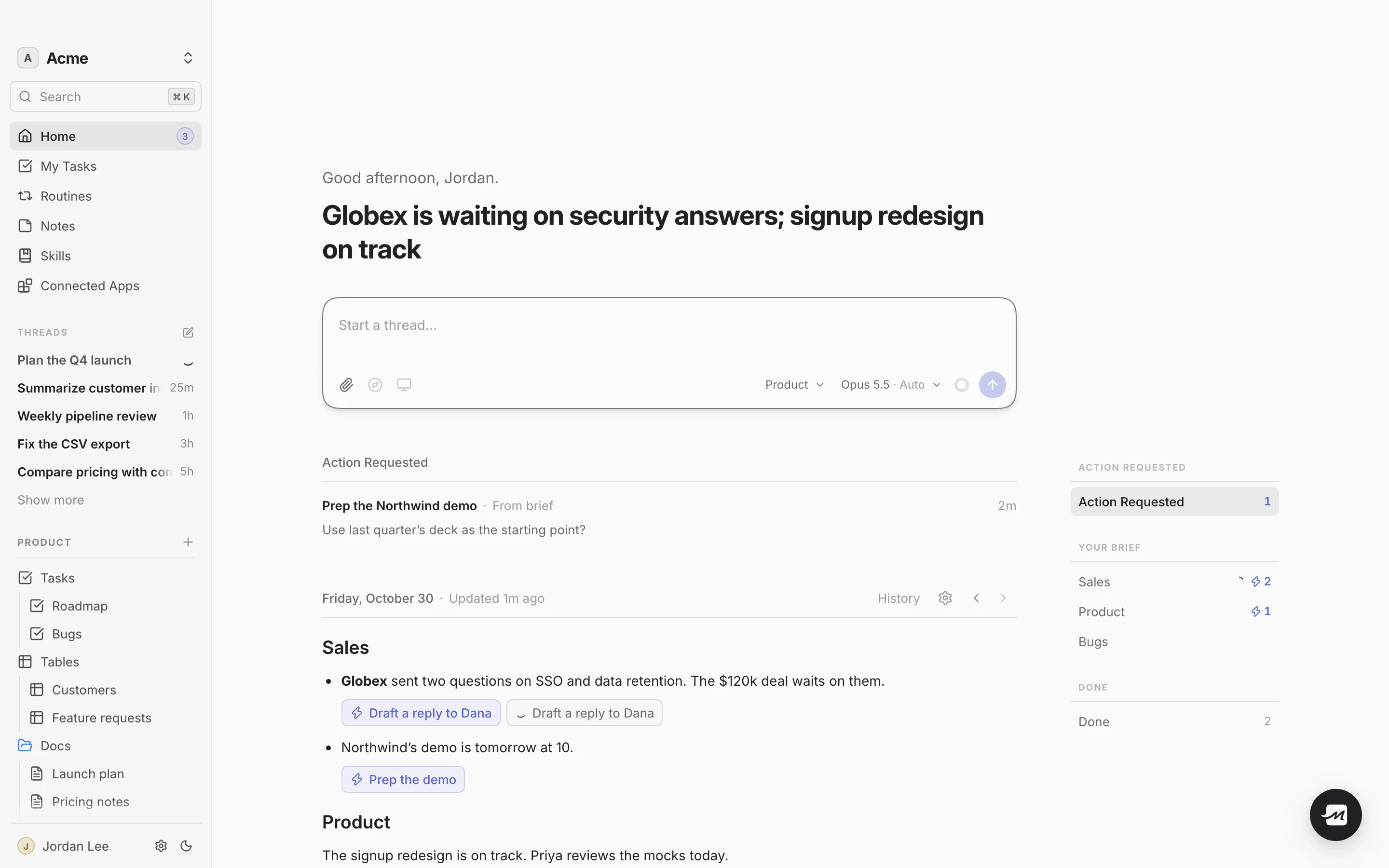
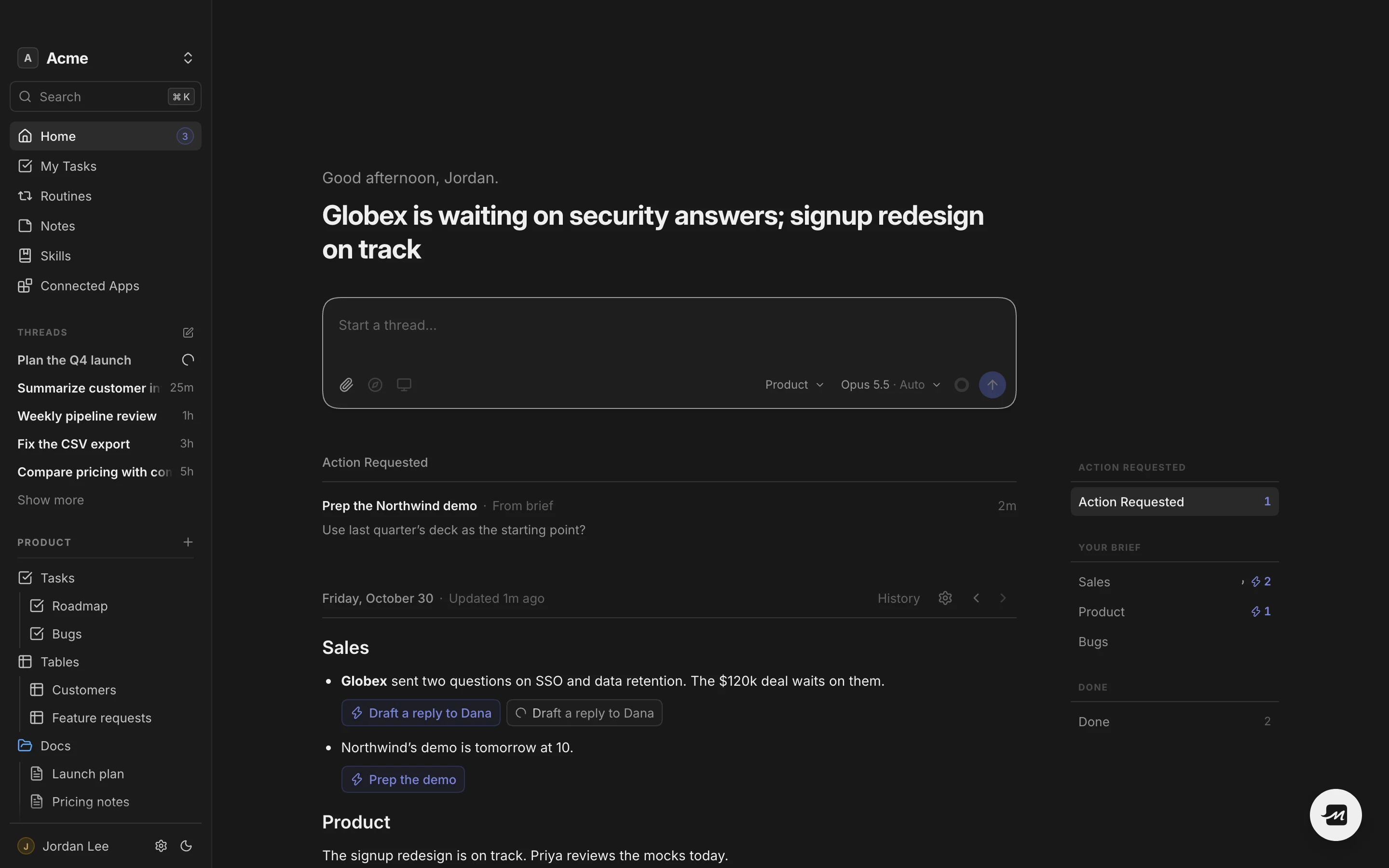
Today’s schedule and due tasks, app widgets, and a living brief with one-click next steps.
In the corner of every page (⌘J) and in Slack. Checks in through the day and starts threads for bigger work.
Boards, tables, docs, decks and canvases synced across desktop and mobile, on each member’s own AI subscription.
One-page tools built in seconds, or full apps with tables, Home widgets, workers, routines and MCP tools.
Your first 10 minutes
Sign in with ChatGPT, Claude, Antigravity or Muse as you set up, and pick a default model.
Connect Gmail, Google Calendar, Slack or Notion right from your first brief.
Click Catch me up and Matter brings what needs you into your brief.
Open a task on a board and click Start task. Matter works on it in a thread beside it.
Using Matter
Day-to-day guides for your assistant, your workspace, and your apps.
Set up your workspace, take the tour, learn the sidebar, and see where your agents run.
Talk to Matter, let it show you around your window, and set up its check-ins and daily review.
Hand work to agents, pick models and Macs, work in git branches, and answer when they need you.
See Today’s schedule and due tasks, pin app widgets, catch up on your brief, and act on its items.
Track work that gets finished, customize statuses and fields, link table rows, and hand tasks to agents.
Structured records with typed fields, personal sorts and filters, cross-space relations, indexes, and 10,000+ row scaling.
Live collaborative docs, AI-built slide decks, Excalidraw canvases, file previews, Mermaid diagrams, and one-click web sharing.
Your private scratchpad, what Matter remembers about your work, your goals, and how instructions layer.
Prompts that run on a schedule or on demand on your Macs, and what each run found.
Instructions agents load when the work matches, shared with a space and turned on by each person.
Connect OAuth accounts, API keys, or custom HTTP and stdio MCP servers—for yourself or shared with a space.
Message your own Matter assistant from Slack, mention @Matter in a thread, and receive check-ins there.
When to use Matter’s built-in side-panel browser, your Chrome profile (Browser Use), or full desktop app control (Computer Use).
Build one-page tools in seconds, share apps with a space, add Home widgets, and run full apps with tables, workers and routines.
Every Personal and Workspace setting, the keyboard shortcuts worth knowing, and the
matter CLI.
Building Matter Apps
Start with a one-page app an agent writes, or build full apps with tables, Home widgets, workers, routines and MCP tools.
Standard web tooling, instant local reads
A full Matter app project is an ordinary Vite + TypeScript project. Declare your tables, boards
and Home widgets in matter.json, get compile-time types automatically, and read &
watch synced workspace data with zero backend boilerplate.
matter app create pipeline --space Sales --name "Pipeline" --icon 📈
cd pipeline && npm install
matter app deploy -m "v1" # signs, syncs tables & ships to the spaceHow pages, workers, MCP tools, routines, and the local data API fit together.
Stable keys vs. human labels, compound indexes, and schema changes across deploys.
Query through indexes with query, count, groupCount, and
live watch streams.
Optimistic inserts, upserts on unique indexes, and atomic if conditions for workers.
Background Node processes, and stdio MCP servers for agents and pages.
Ed25519 signing keys, adding apps, publisher trust, CI secrets, and key revocation.