

A skill teaches your agents how to do one kind of work your way: writing release notes, triaging a support ticket, preparing a board meeting. Each skill has a name, a line saying when to use it, and instructions in Markdown. Agents see the names and use-when lines of the skills you have on, and load a skill’s instructions only when the work in front of them matches.
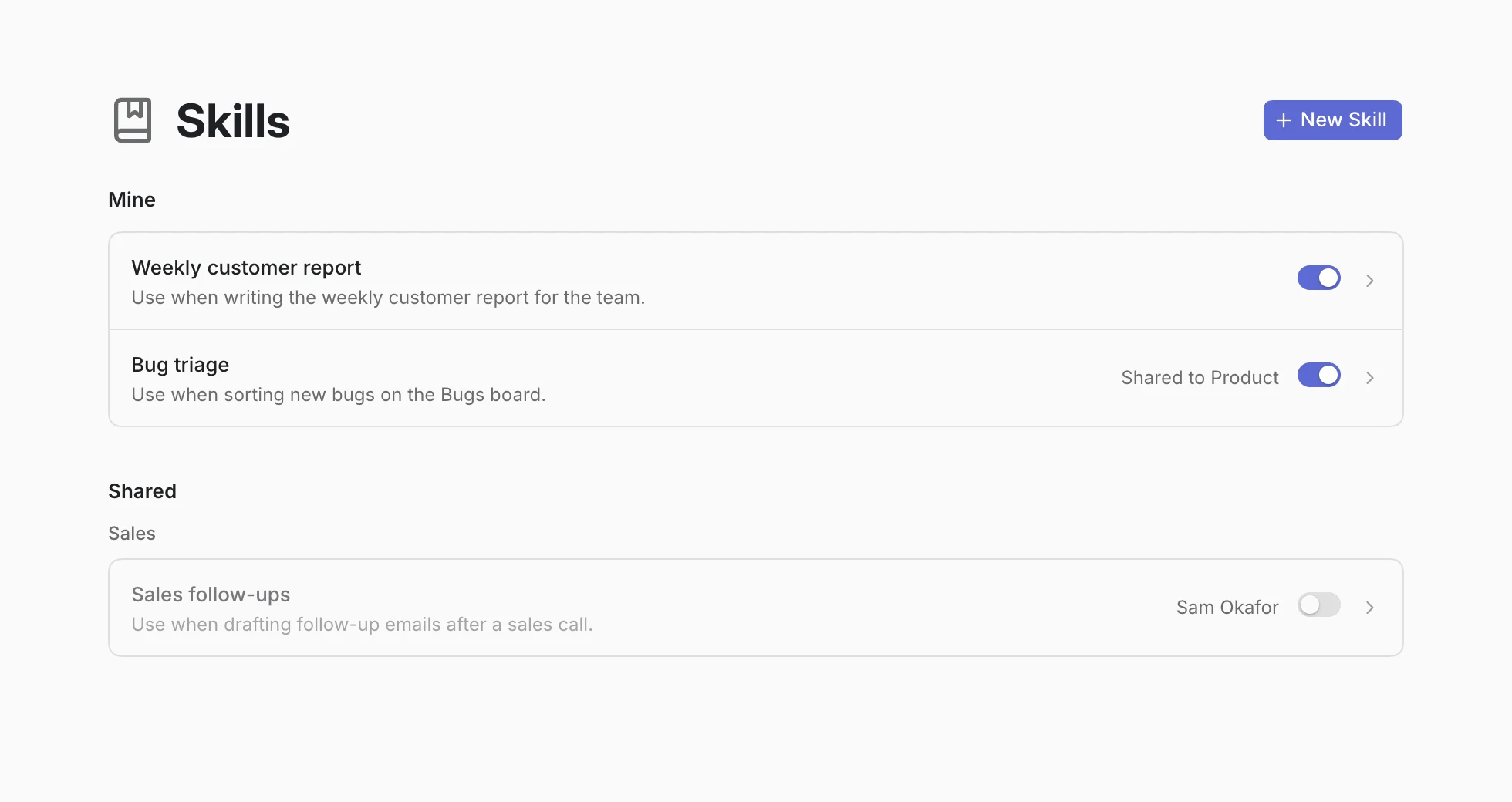
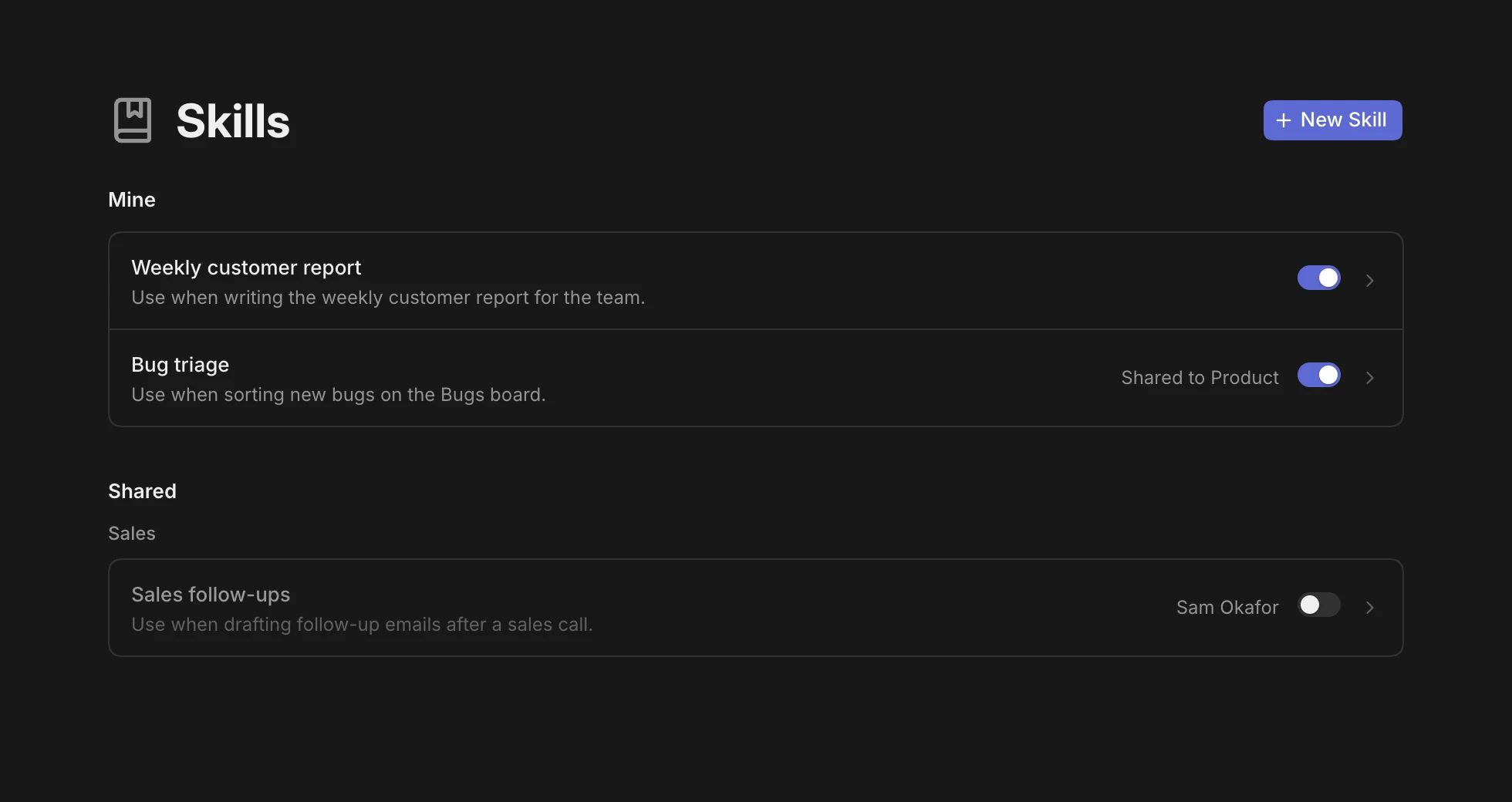
Open Skills in the sidebar (⌘5).
Write a skill#
- Click New Skill.
- Give it a name, and fill in Use When with one line about the work it fits. It saves once both are filled in.
- Write its Instructions: the steps, conventions and examples an agent should follow.
A skill you create is on for you straight away. Agents can also write skills for you: ask one to "turn what we just did into a skill".
Mine and Shared#
- Mine lists the skills you own. Only you can edit, share, or delete them.
- Shared lists skills teammates have shared to your spaces, grouped by space, with each one’s author. Open one to read its instructions.
Turn skills on and off#
Every skill has a switch, and it is yours alone: turning a skill on or off changes only what your own agents use, never anyone else’s. Skills teammates share start off until you turn them on.
Names don’t have to be unique. If you turn on a skill with the same name as one you already have on, Matter offers to turn the other one off, so your agents never have to guess between them.
Share a skill with a space#
Open one of your skills and choose a space under Sharing. Everyone in that space can then find it under Shared and turn it on for themselves. Choose None to stop sharing it; it stays yours.
Deleting a shared skill removes it for everyone in the space who had it on, so Matter asks before it goes.
Duplicate and take over#
- Duplicate makes a private copy of a teammate’s skill that you own and can change. Your copy is on, and the original turns off for you.
- When a skill’s owner leaves the workspace, the skills they shared stay in their spaces with No owner. Anyone in the space can Take Over such a skill to edit, share, or delete it.
Use a skill in a thread#
You don’t have to do anything: an agent picks up a skill on its own when the work matches its use-when line. When it does, the thread shows Using Skill: and the skill’s name; click it to open the skill.
To ask for a skill directly, type / at the start of a message. Your Matter skills that are on
appear under Matter Skills in the menu, alongside the backend’s own commands and skills.
A skill applies only when the work calls for it, and only for people who turned it on. Rules every agent must always follow belong in workspace or personal instructions instead, and rules for one account, such as "Only read the support inbox", belong in that connected account’s instructions.